
Learn how to spot a phishing email effectively. This article reveals key tactics scammers.
View More
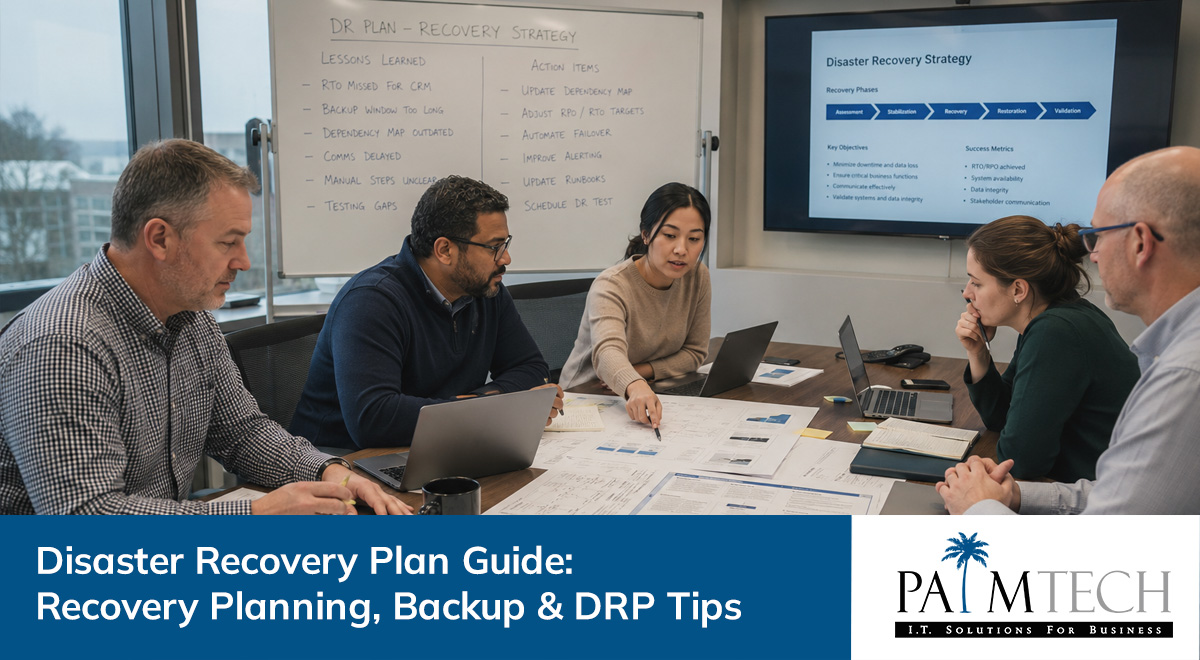

A disaster recovery plan is essential for keeping your business running when unexpected problems hit. Whether it’s a power outage, cyberattack, or natural disaster, having a plan in place helps you restore normal operations quickly. In this blog, you’ll learn what a disaster recovery plan is, the steps to create one, common mistakes to avoid, and the benefits of having a reliable backup plan. We’ll also cover the types of disasters you should prepare for, the role of technology in recovery, and practical tips for building a disaster recovery plan that fits your business needs.
A disaster recovery plan is a step-by-step guide for how your business responds to disruptive events. It covers how to protect your data, restore critical systems, and keep business operations going after a disruption. Without a clear plan, even a short period of downtime can cause major business impact, including data loss and lost revenue.
A strong disaster recovery plan also supports your business continuity plan. While business continuity focuses on keeping your business running during a crisis, disaster recovery is about getting your IT systems and information systems back to normal as quickly as possible. Together, they help your business stay resilient, minimize downtime, and recover from events like power outages or cyberattacks.

Even with the best intentions, businesses often make mistakes when creating their disaster recovery plan. Here are some of the most common pitfalls and how to avoid them.
Many businesses create a disaster recovery plan and then forget about it. Technology, staff, and business needs change over time. If you don’t review and update your plan regularly, it may not work when you need it most.
Some plans only focus on one type of disaster, like cyberattacks, and ignore others, such as natural disasters or hardware failures. A complete plan should cover all possible threats, including those that seem unlikely.
Relying only on manual processes can slow down your recovery. Modern technology disaster recovery tools, like automated backups and cloud-based solutions, make restoring data and systems much faster and more reliable.
A disaster recovery plan that isn’t tested is just a document. Regular testing helps you find gaps and make sure everyone knows their role during an emergency.
If your data backup methods are outdated or incomplete, you risk losing important information. Make sure your backup plan includes regular, automated backups and off-site storage.
If your team doesn’t know about the disaster recovery plan or their responsibilities, confusion can slow down your recovery process. Clear communication and training are key.
A well-designed disaster recovery plan offers many advantages:

Backup is the backbone of any disaster recovery plan. Regular data backup ensures you always have a recent copy of your important files, applications, and databases. This is especially important for businesses that rely on digital information to run daily operations.
Data backup can be done in several ways, including local backups to physical drives or off-site backups to the cloud. Offsite storage is especially useful if your main data center is affected by a disaster. By having multiple copies of your data in different locations, you reduce the risk of total data loss and make it easier to restore normal operations after a crisis.
Creating a disaster recovery plan doesn’t have to be overwhelming. Here’s a step-by-step approach to help you get started.
List the information systems and applications your business can’t function without. Focus on what’s needed to restore business operations quickly.
Think about all the disruptive events that could affect your business, from power outages to cyberattacks. This helps you prepare for different scenarios.
Decide how quickly you need to recover (Recovery Time Objective) and how much data you can afford to lose (Recovery Point Objective). These targets guide your recovery strategies.
Select backup methods that fit your needs, such as daily backups, offsite storage, or using disaster recovery as a service (DRaaS). Document backup procedures clearly.
Write down what to do immediately after a disaster, including who to contact and how to start the recovery process. Make sure everyone knows their role.
Schedule regular tests to make sure your disaster recovery plan works. Update it as your business grows or changes.

Putting your disaster recovery plan into action means more than just writing it down. You need to make sure your team is trained, your backups are working, and your plan fits your current business needs. Regular training sessions help staff understand their roles and build confidence in the plan.
It’s also important to review your plan after any disruptive events or changes to your business. This keeps your plan up to date and ensures it covers new risks. Finally, consider working with IT experts or managed service providers who can help you set up reliable systems, monitor your backups, and provide support during emergencies.
Following these best practices can make your disaster recovery plan more effective:
A strong disaster recovery plan is your best defense against unexpected problems.

Are you a business with 20 or more employees looking for a reliable disaster recovery plan? If your business is growing, you can’t afford to risk downtime or data loss. Our team specializes in helping businesses protect their critical systems and keep operations running smoothly, no matter what happens.
We understand the challenges of recovery planning and can help you build, test, and maintain a disaster recovery plan that fits your needs. Contact us today to learn how Palm Tech can make your business more resilient and prepared for any disruptive events.
A disaster recovery plan focuses on restoring IT systems and data after a disruption, while a business continuity plan covers how to keep all business operations running during and after disruptive events. Both are important for resilience, but the disaster recovery plan is more technical and specific to information systems and data center recovery.
Having both plans ensures your business can respond quickly to emergencies, minimize downtime, and reduce the business impact of disasters. They work together to support a fast recovery process and keep your business moving forward.
You should review and update your recovery planning at least once a year or whenever your business undergoes major changes, such as new technology or staff. This keeps your plan current and effective.
Regular updates help you adapt to new risks, like emerging cyber threats or changes in regulations. Staying proactive with your recovery planning ensures your business is always ready for disruptive events.
Your disaster recovery plan should address all types of disasters that could affect your business, including natural disasters, cyberattacks, hardware failures, and power outages. Each type of disaster may need different recovery strategies.
By preparing for a wide range of threats, you reduce the risk of unexpected downtime and data loss. This approach helps protect your business operations and critical systems from any disruption.
Technology disaster recovery uses current tools and services, like cloud backups and automated failover systems, to restore your IT environment quickly. This reduces downtime and speeds up the recovery process.
Investing in technology disaster recovery also helps you meet compliance requirements and protect sensitive information. It’s a key part of building a disaster recovery plan that keeps your business running smoothly.
There are several types of disaster recovery solutions, including on-premises backups, cloud-based DRaaS, and hybrid approaches. Each offers different levels of protection and recovery speed.
Choosing the right solution depends on your business needs, budget, and how quickly you need to restore normal operations. A mix of solutions can provide the best balance of cost and reliability.
A backup plan ensures you have recent copies of your data stored safely, either offsite or in the cloud. This protects against data loss from disruptive events like cyberattacks or hardware failures.
Without a solid backup plan, restoring your business after a disaster can take much longer and may not be possible if critical data is lost. Regular backups are the foundation of any effective disaster recovery plan.

Learn how to spot a phishing email effectively. This article reveals key tactics scammers.
View More

Discover how insider threats often bypass monitoring systems. Learn effective strategies to prevent insider threats and protect your sensitive data.
View More