
Learn how to spot a phishing email effectively. This article reveals key tactics scammers.
View More
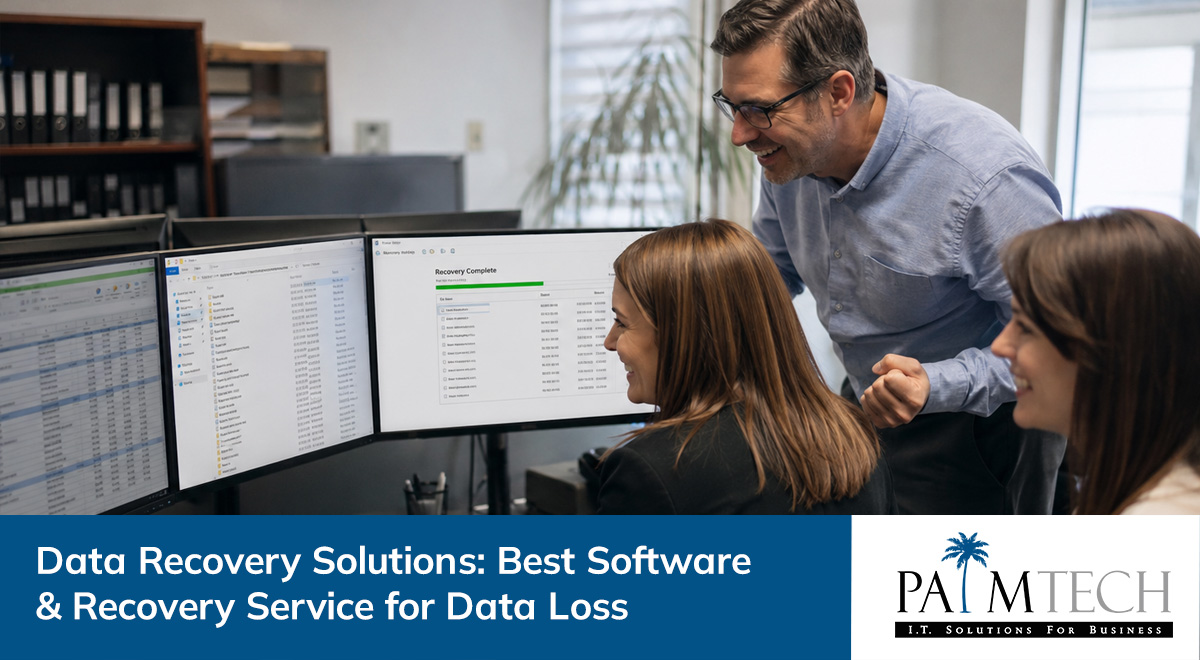

Losing important files from a hard drive or storage device can disrupt your business and cause stress. Many companies believe common myths about data recovery, file recovery, and recovery tools, which can lead to costly mistakes. In this article, you’ll learn what data recovery really is, how data recovery software works, the most common mistakes to avoid, and how to build a reliable recovery plan. We’ll also cover the benefits of professional data recovery services, essential features to look for, and practical steps for safeguarding your data. Whether you’re dealing with deleted files, a failed format, or a damaged USB, this guide will help you make informed decisions and protect your business from data loss.
Data recovery is the process of restoring lost, deleted, or inaccessible data from storage media such as hard disk drives, SSDs, memory cards, or USB drives. Businesses rely on digital information for daily operations, so even a single incident of data loss can have major consequences. Understanding how recovery works helps you respond quickly and avoid permanent loss.
Most data loss happens because of accidental deletion, hardware failure, or issues with the file system. Sometimes, files are lost due to software errors or even natural disasters. Knowing the basics of data recovery helps you choose the right recovery solution and avoid making the situation worse. It also prepares you to act fast, which is key to successful file recovery.

Many people believe things about data recovery that simply aren’t true. Here are some of the most common myths, and the facts you need to know to avoid trouble.
Not all data recovery software is created equal. Some tools only work with certain file types or storage devices. Using the wrong software can even overwrite your lost files, making them unrecoverable. Always check if the software supports your specific file system and storage media before using it.
While some deleted files can be restored with basic tools, complex cases—like a damaged hard disk drive or RAID system—often require professional help. Trying to recover data without the right skills can make things worse. If the data is critical, it’s best to contact a data recovery service.
Recovery takes time and isn’t always successful. The chances of getting your files back depend on the type of data loss, the condition of the storage device, and what actions you’ve taken since the loss. Quick action helps, but there’s never a 100% guarantee.
Backups are important, but they don’t replace data recovery. Sometimes backups fail, or the most recent data isn’t included. Having a recovery plan ensures you have options if your backup isn’t enough.
Small and medium businesses are just as likely to face data loss. No matter your company size, a recovery solution is essential for protecting your information and keeping operations running smoothly.
Cloud storage helps, but it isn’t foolproof. Files can still be accidentally deleted, overwritten, or lost due to syncing errors. Data recovery services can help retrieve files even from cloud-connected devices.
A strong data recovery solution should include these important features:

When your business faces a serious data loss scenario, professional data recovery services offer expertise that basic tools can’t match. These experts use advanced recovery toolkit methods to handle complex cases, such as failed RAID arrays or physically damaged drives. They can often recover data that standard software can’t reach.
Another benefit is data security. Professional services follow strict protocols to protect your sensitive information during the recovery process. This is especially important for businesses handling confidential or regulated data. With professional help, you reduce the risk of further damage and increase your chances of a successful recovery.
If you lose important files, acting quickly and correctly can make a big difference. Here’s what you should do:
Continuing to use the storage device can overwrite lost files, making them much harder to recover. Unplug the device or shut down the computer if possible.
Was the data accidentally deleted, lost due to a hardware failure, or caused by a software issue? Knowing the cause helps you choose the right recovery method.
Look for recent backups on external drives, cloud storage, or network locations. Restoring from backup is often the fastest way to recover files.
If you don’t have a backup, select a file recovery tool that matches your storage media and file type. Make sure it’s compatible with your system.
If the device is making strange noises, won’t power on, or contains critical business data, contact a professional data recovery service. They have the expertise and equipment to handle difficult recoveries.
Keep track of what happened, what actions you took, and what files were affected. This information helps with future prevention and can be useful if you need to file an insurance claim.

Creating a recovery plan is key to protecting your business from unexpected data loss. Start by identifying which data is most important and where it’s stored. Make regular backups and test them to ensure they work. Include steps for responding to different types of data loss, such as accidental deletion or hardware failure.
Train your team on how to avoid common mistakes, like unplugging a USB drive without safely ejecting it. Set up clear procedures for reporting and responding to incidents. By planning, you reduce downtime and avoid costly mistakes.
Following these best practices can help you avoid data loss and make recovery easier if something goes wrong:
Are you a business with 20 or more employees looking for a reliable data recovery solution? If you’re growing fast, you can’t afford to lose valuable information or face long periods of downtime. Our team understands how important your data is to your daily operations and long-term success.
We offer professional data recovery services designed to handle everything from simple file recovery to complex RAID failures. Whether you need help with a single lost file or a full system recovery, Palm Tech has the expertise and tools to get you back on track. Don’t wait until disaster strikes—contact us today to protect your business and keep your data safe.
If you accidentally deleted files from your hard drive, stop using the device immediately. This helps prevent new data from overwriting the deleted files, which makes recovery more difficult. Try not to install or download anything new to the same drive.
Next, consider using a file recovery tool that supports your hard disk drives and file system. If the files are critical or if you’re unsure about the recovery process, contact a professional data recovery service for help. Acting quickly gives you the best chance to recover your lost files.
Data recovery software scans your storage device for traces of lost or deleted files. It works by searching the file system and disk image for recoverable data, even after deletion. Some programs can restore many types of files, including documents, photos, and videos.
The effectiveness depends on the type of data and storage device, such as SSDs, memory cards, or USB flash drives. Always choose software that matches your device and file type for the best results.
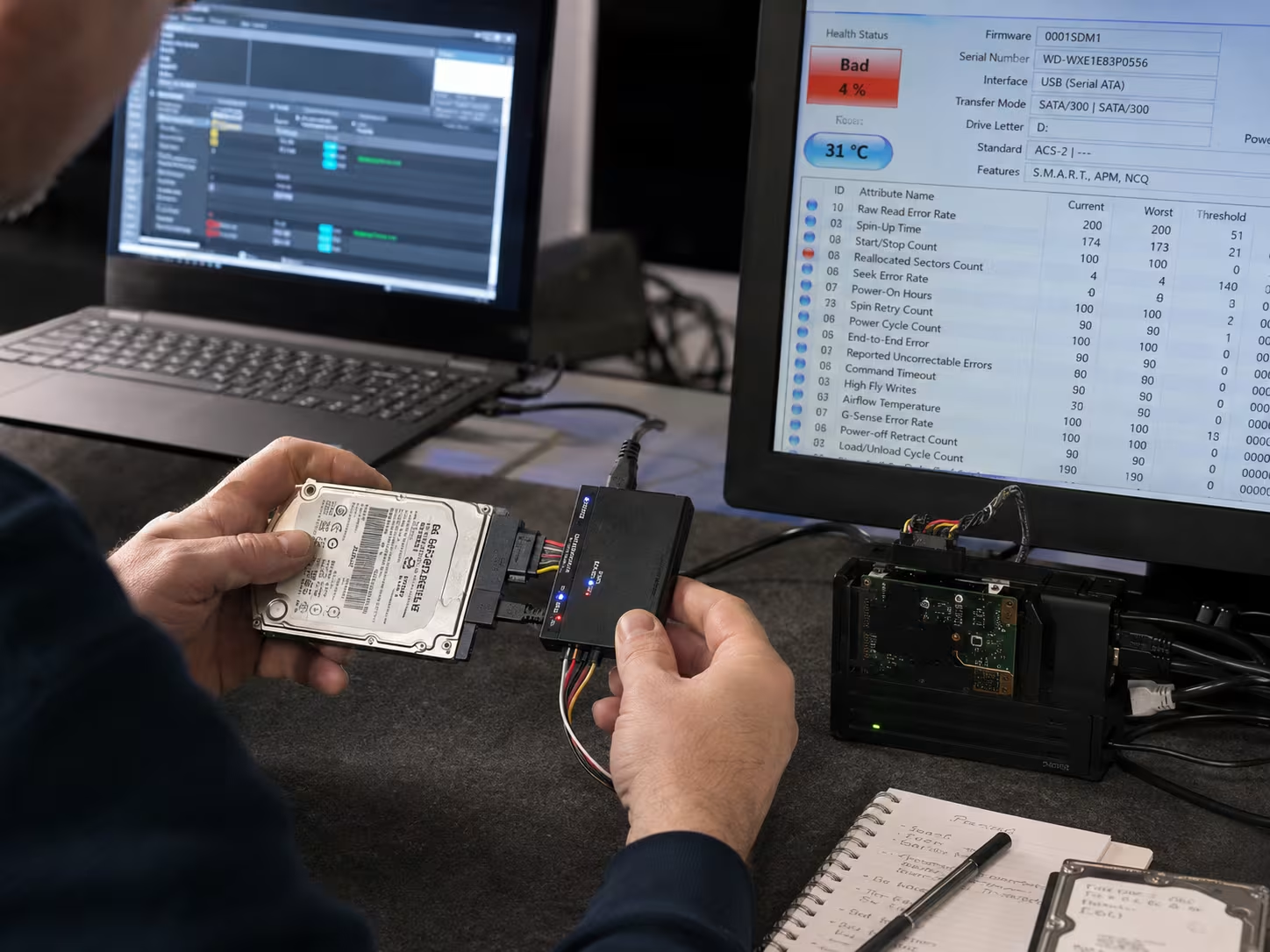
If your storage device is physically damaged, making unusual noises, or not recognized by your computer, it’s best to use a professional data recovery service. DIY tools can make things worse in these cases.
Professional services have specialized recovery tools and cleanroom environments to handle sensitive hardware. They can recover data from RAID systems, solid-state drives, and other complex setups that basic software can’t manage.
Yes, it’s often possible to recover data from a formatted USB stick or flash drive, as long as new data hasn’t overwritten the lost files. The recovery process involves scanning the device for recoverable files.
Some file recovery tools are designed specifically for USB drives and can restore accidentally deleted or formatted data. For important files, consider professional help to avoid permanent loss.
Recovering files from an SSD can be tricky because of how data is stored and managed. The safest way is to stop using the SSD immediately to prevent overwriting lost files. Avoid running recovery software directly on the affected drive.
Instead, use a disk image to create a copy of the SSD and run recovery tools on that image. If the data is valuable, consult a professional data recovery service with experience in solid-state recovery.
To protect your digital camera and memory cards, always safely eject the card before removing it from the device. Avoid using the same card in multiple devices, as this can cause file system errors.
Regularly back up your photos and videos to a computer or cloud storage. If you accidentally delete files or experience a card error, stop using the card and use specialized recovery tools or services to recover your data.

Learn how to spot a phishing email effectively. This article reveals key tactics scammers.
View More

Discover how insider threats often bypass monitoring systems. Learn effective strategies to prevent insider threats and protect your sensitive data.
View More