Hurricane preparedness for businesses made simple. Use our hurricane preparedness checklist for business to build your evacuation plan and emergency kit today.
View More
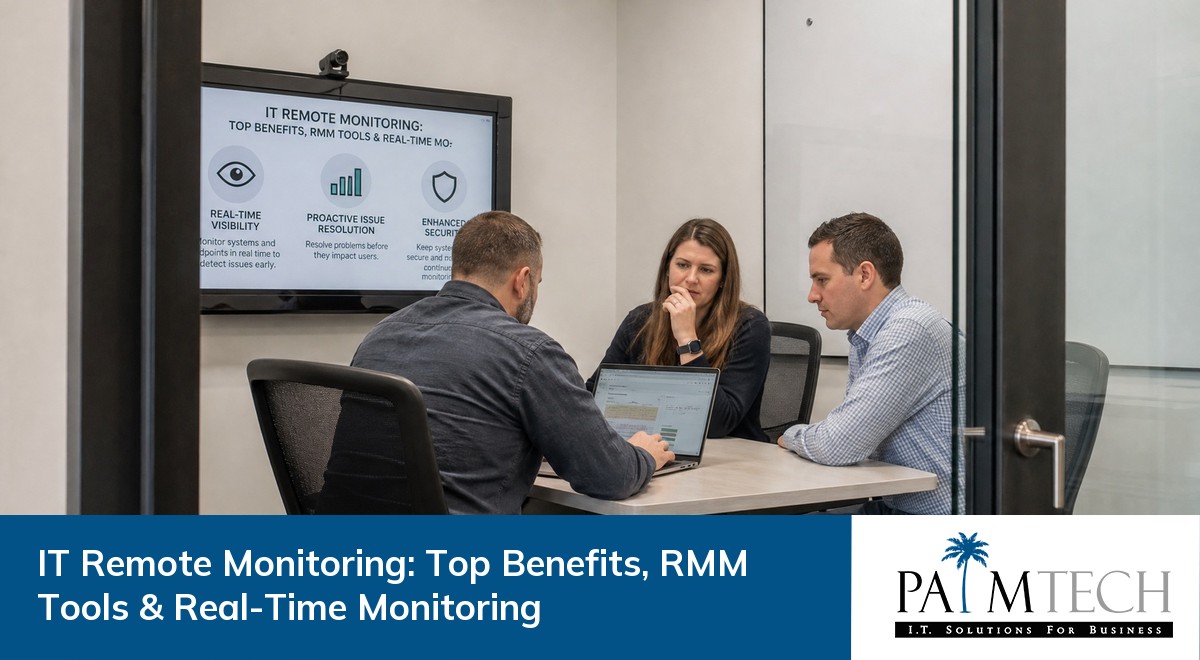

Businesses rely on technology for almost every part of their daily operations. If your systems go down, productivity and profits can take a hit. That’s why IT remote monitoring is so important—it helps you keep an eye on your technology, spot issues before they become big problems, and keep everything running smoothly. In this blog, you’ll learn what IT remote monitoring is, how it works, the benefits it brings, the tools involved, and practical tips for getting started. We’ll also cover automation, real-time alerts, and how to centralize your IT management for better results.
IT remote monitoring is a way for businesses to keep track of their computers, servers, and networks from a distance. Instead of waiting for something to break, you can monitor your systems in real time and fix issues before they cause downtime. This approach is proactive, which means you’re always one step ahead of problems.
Remote monitoring and management (RMM) tools let you automate routine tasks, like software updates or security checks. With these tools, you can collect data from every endpoint in your network, making it easier to spot trends and prevent issues. By centralizing your IT management, you save time and reduce the risk of mistakes.
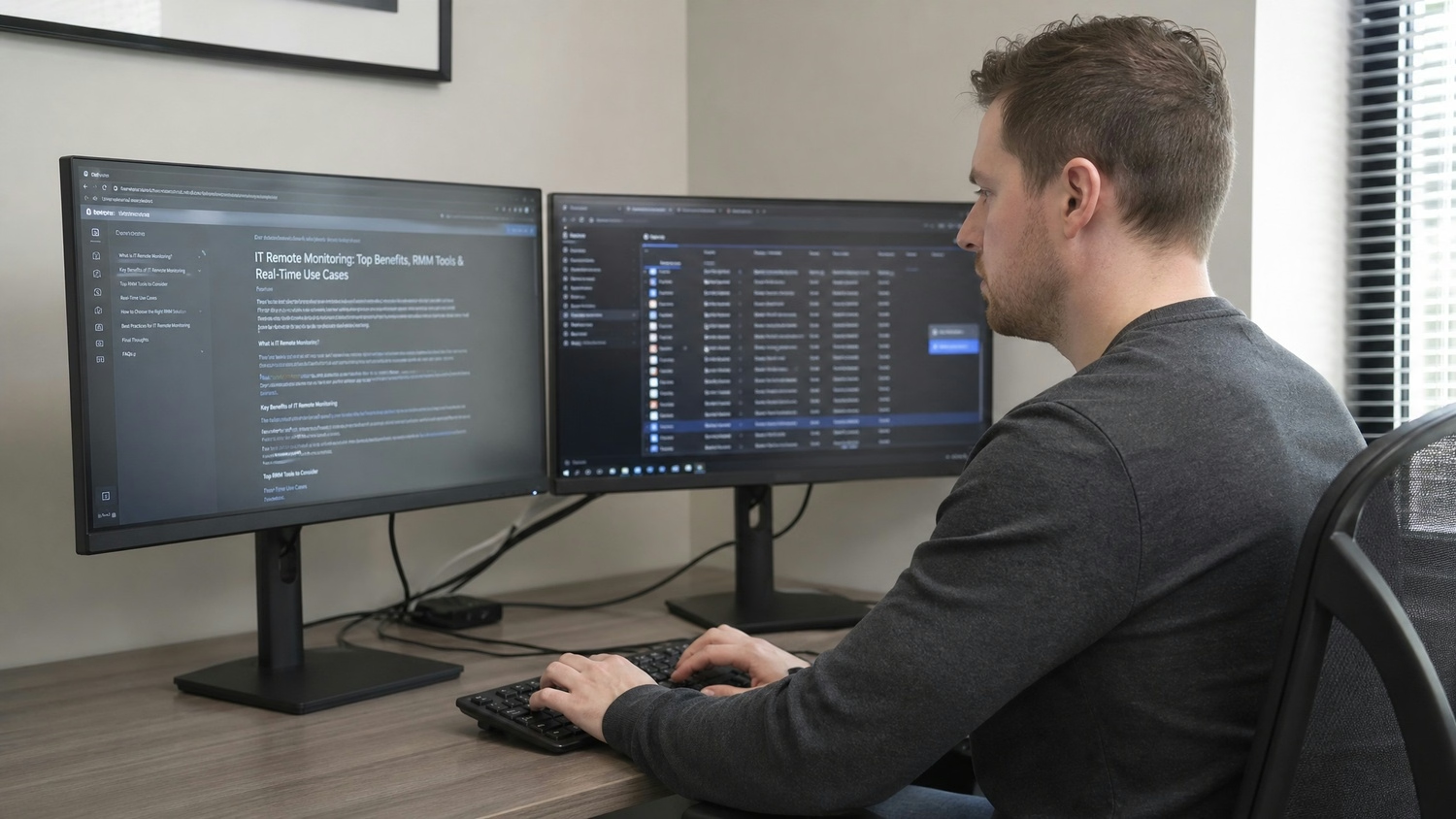
To get the most out of IT remote monitoring, you need a clear plan. Here are the key steps that help businesses avoid common mistakes and maximize their investment.
Selecting the right tools is the foundation of a strong IT remote monitoring strategy. Look for solutions that support automation, real-time alerts, and easy integration with your current systems. The right tools make it easier to monitor your network and respond quickly to issues.
Real-time alerts help you catch problems as soon as they happen. By setting up alerts for things like unusual network activity or low disk space, you can act fast and prevent downtime. Make sure your alerts are clear and go to the right people.
Automation saves time and reduces errors. Use your RMM software to automate updates, backups, and security scans. This way, your team can focus on bigger projects instead of repetitive tasks.
Every device on your network is an endpoint that needs to be monitored. This includes computers, servers, printers, and even sensors. By keeping an eye on all endpoints, you reduce the risk of missing a potential issue.
Centralizing your IT management means controlling everything from one place. This makes it easier to track performance, manage alerts, and streamline your response to problems. It also helps you collect data for future planning.
Technology changes quickly, so your monitoring processes should too. Regularly review your setup and make updates as needed. This keeps your systems secure and efficient.
Here are some of the main advantages businesses gain from using IT remote monitoring:
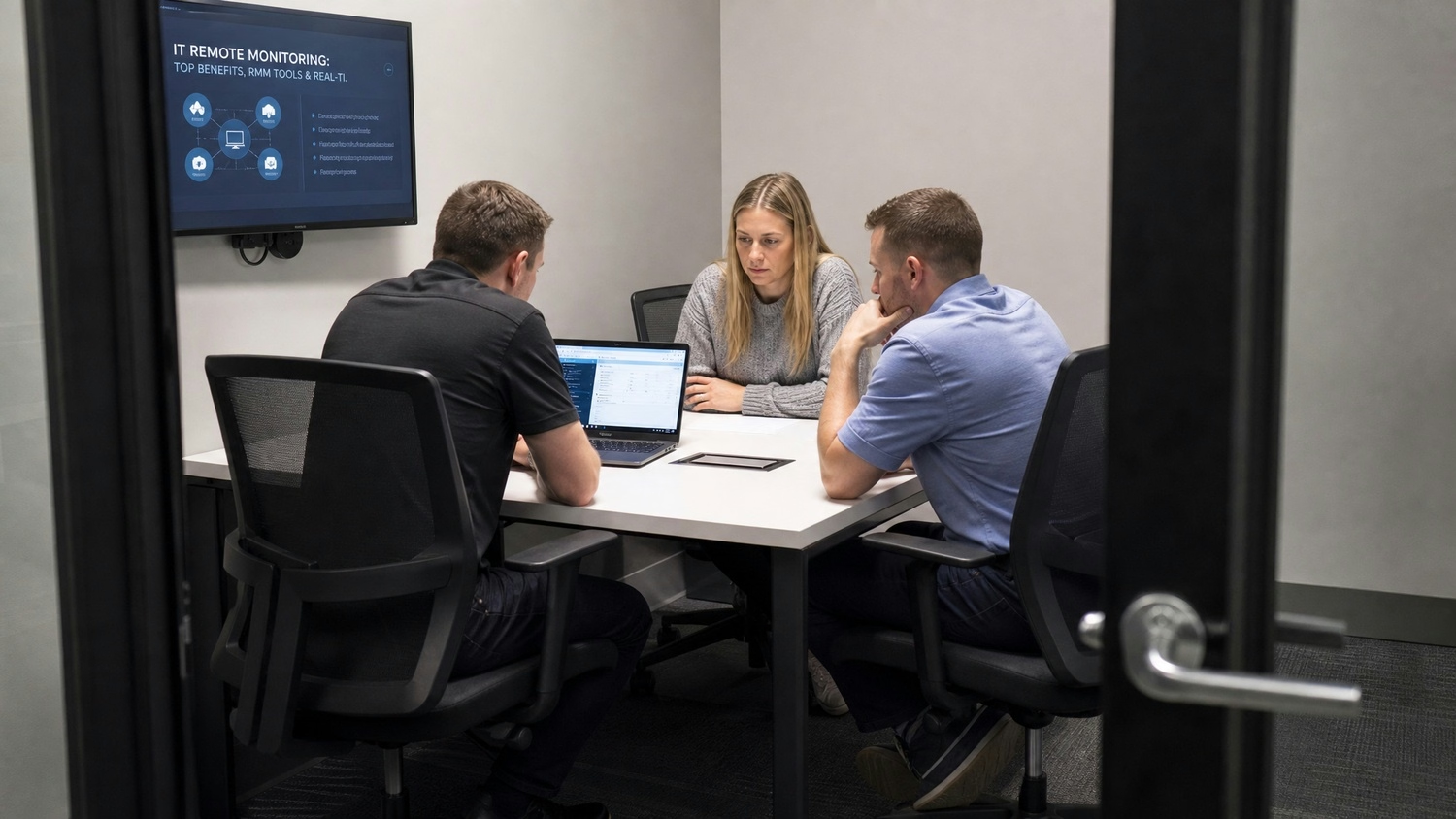
Remote monitoring and management software is more than just a tool—it’s a way to help your business grow. By using RMM software, you can keep your systems healthy and your employees productive. These solutions allow IT teams to monitor, update, and fix devices without being on-site, which is especially useful for businesses with multiple locations.
One of the biggest advantages is remote access. With remote access, IT staff can solve problems quickly, no matter where they are. This reduces downtime and helps your business stay competitive. RMM software also makes it easier to automate tasks, so your team can focus on projects that drive growth.
Getting the most from your IT remote monitoring setup takes planning. Here are some strategies to help you succeed.
Start by deciding what you want to achieve. Do you want to reduce downtime, improve security, or streamline your IT operations? Clear goals help you choose the right tools and set up effective alerts.
Make sure everyone who uses your monitoring tools knows how they work. Training helps your team respond quickly to alerts and use automation features effectively.
Proactive monitoring means looking for signs of trouble before they cause problems. Set up your system to watch for unusual activity and alert you early.
Your monitoring tools collect data about your network and devices. Review this data often to spot trends, plan upgrades, and prevent future issues.
Too many alerts can overwhelm your team. Make sure your alerts are set up to highlight the most important issues, so nothing gets missed.
Always use the latest version of your monitoring software. Updates often include new features and security fixes that keep your systems safe.

When you’re ready to start with IT remote monitoring, begin by assessing your current IT setup. Identify which devices and systems need to be monitored, and decide which tasks can be automated. Work with your IT provider to choose monitoring tools that fit your business needs.
Set up your monitoring software to send real-time alerts and automate routine tasks. Make sure your team knows how to use the system and understands the importance of responding quickly to alerts. Regularly review your monitoring setup to make sure it continues to meet your goals.
Follow these best practices to get the most from your IT remote monitoring:
By following these steps, you can keep your IT systems running smoothly and avoid costly downtime.

Are you a business with 25 to 150 employees looking for reliable IT remote monitoring? If you’re growing and need to keep your systems running without constant headaches, our team can help you centralize your IT management.
We understand the challenges of keeping technology running smoothly while focusing on your business goals. Let Palm Tech handle your IT remote monitoring so you can focus on what matters most. Contact us today to see how we can support your business.
Remote monitoring lets you keep track of your IT systems from anywhere. It helps you spot problems before they cause downtime, making your business more efficient. Using remote monitoring, you can automate routine checks and collect data to improve your IT setup over time.
A monitor in IT remote monitoring checks the health of your devices and networks. It looks for warning signs like slow performance or unusual activity. Monitors can alert you to issues so you can fix them quickly, helping you avoid bigger problems down the line.
RMM stands for remote monitoring and management. It’s a software solution that lets IT teams watch over and control devices from a distance. With RMM, you can automate updates, manage multiple endpoints, and respond to issues faster, making your IT operations more efficient.
The benefits of remote monitoring include less downtime, better security, and easier management of your IT systems. For growing businesses, it means you can centralize your IT tasks and respond quickly to issues, even if you don’t have a large IT team.
Remote monitoring and management software helps protect your business by watching for threats in real time. It can send alerts when it spots something unusual, allowing you to act before problems spread. This proactive approach keeps your data and systems safer.
Yes, remote access lets your IT team fix issues without being on-site. This means faster response times and less downtime for your business. With remote access, your team can troubleshoot, update, and manage devices from anywhere, making IT support more flexible and efficient.
Hurricane preparedness for businesses made simple. Use our hurricane preparedness checklist for business to build your evacuation plan and emergency kit today.
View More

Discover the benefits of VoIP for business and see how VoIP vs landline for business compares. Learn how VoIP phone systems can boost efficiency and cut costs.
View More