
Hurricane preparedness for businesses made simple. Use our hurricane preparedness checklist for business to build your evacuation plan and emergency kit today.
View More
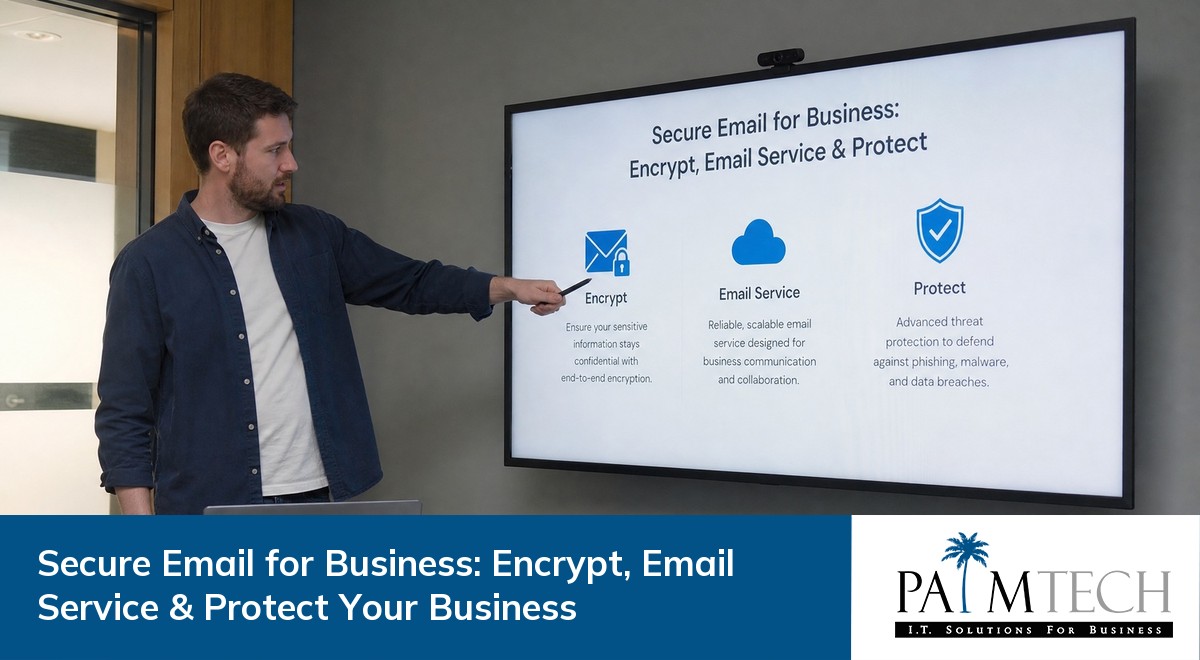

Keeping your business communications safe is more important than ever. With so much sensitive data shared through email, choosing the right secure email for business can protect your company from threats like unauthorized access and data leaks. In this blog, you'll learn what makes business email security essential, the risks of not using encryption, key features to look for, and practical steps to get started. We'll also cover topics like end-to-end encryption, authentication, and how to pick the best email provider for your needs.
Email is the backbone of business communication. But without the right protections, it can also be a major security risk. Hackers often target business email accounts to steal information, commit fraud, or disrupt operations. That's why secure email for business is not just a technical upgrade—it's a critical part of protecting your reputation and your bottom line.
Secure email uses encryption to keep your messages private. This means only the intended recipient can read the email, even if someone else intercepts it. Reliable systems also include features like two-factor authentication and monitoring to stop unauthorized access. By investing in secure email, you help ensure that your business stays compliant with regulations and avoids costly data breaches.

Many companies think their current email service is good enough, but several common mistakes can put your business at risk. Here are some of the most frequent issues:
Standard email services often don't encrypt messages by default. This leaves sensitive information exposed if someone intercepts your emails. Always choose a solution that offers strong encryption.
Weak or reused passwords make it easy for hackers to break in. Encourage your team to use unique, complex passwords and update them regularly.
Authentication methods like two-factor authentication add an extra layer of security. Skipping these tools can make your business an easy target for phishing or unauthorized access.
Many businesses stick with default settings, which may not be secure. Review and update your email provider's security options to fit your business needs.
End-to-end encryption ensures that only the sender and receiver can read the message. Without it, your emails could be read by others along the way.
Sending confidential information without proper security puts your business at risk. Always use secure channels for sharing sensitive data.
Choosing a secure email for business offers several important advantages:

Email encryption is one of the most effective ways to protect your business communications. When you encrypt an email, the message is scrambled so only someone with the right key can read it. This stops hackers from accessing your information, even if they intercept the message during delivery.
There are different types of email encryption, but end-to-end encryption is the most secure. It ensures that only the sender and recipient can see the message content. Some secure email services also offer features like encrypted attachments and automatic encryption for all outgoing messages. These tools make it much harder for cybercriminals to steal your data or impersonate your business.
Selecting the best secure email for business can feel overwhelming, but breaking it down into steps makes it easier. Here’s how you can find the right fit:
Start by listing what your company requires from an email solution. Consider the number of users, types of data you handle, and any compliance rules you must follow.
Look at several encrypted email service providers. Check which ones offer features like end-to-end encryption, strong authentication, and easy integration with your current systems.
Some providers offer disposable email addresses for temporary use. This can help protect your main accounts from spam or targeted attacks.
If you need to migrate from an old system, make sure your new provider offers reliable migration tools and support. This reduces downtime and data loss.
While free email services can be tempting, they may lack essential security features. Weigh the costs against the benefits of better protection.
A secure email solution should be easy for your team to use. Test the interface and make sure it fits your workflow before making a final decision.

Once you’ve chosen a secure email solution, proper setup is key. Start by configuring encryption settings and enabling two-factor authentication for all users. Make sure everyone on your team understands how to use these features and why they matter.
Regularly update your email security policies and train employees to spot phishing attempts. Schedule routine audits to check for unauthorized access or unusual activity. By staying proactive, you can keep your business email secure and avoid common pitfalls.
Keeping your secure email for business effective requires ongoing attention. Here are some best practices to follow:
Following these steps helps your business stay protected and ready for future challenges.

Are you a business with 25 to 150 employees looking for a better way to protect your communications? Growing companies often face new risks as they expand, and secure email for business is one of the smartest ways to keep your data safe and your team productive.
We understand the challenges of choosing and implementing a secure email solution. Our team at Palm Tech specializes in helping businesses like yours find, set up, and manage reliable systems that fit your unique needs. Contact us today to see how we can help protect your business and support your growth.
Secure email uses encryption and authentication to protect your messages from unauthorized access. Regular emails often send information in plain text, which can be intercepted or read by others. With secure email, your business communications stay private and safe from most common threats.
Choosing a secure email service also means you get extra features like end-to-end encryption and better control over who can access your email account. This is especially important for businesses handling sensitive data or confidential information.
Email encryption scrambles your messages so only the intended recipient can read them. This prevents hackers from stealing sensitive data, even if they intercept the email during delivery. Encryption is a key part of email security for businesses.
By using encrypted email service options, you add another layer of protection to your business email. This helps you comply with regulations and keeps your company information safe from cybercriminals.
Yes, most secure email providers offer migration tools to help you move your existing email addresses and data. The process is usually straightforward and designed to minimize downtime.
When you migrate, make sure to choose a provider that supports authentication and offers end-to-end encryption. This ensures your business email remains protected throughout the transition.
Free email services may lack important security features like encryption and advanced authentication. While they can be useful for personal use, they often do not meet the security needs of a business.
If you want to protect your business and sensitive data, it's better to invest in a secure email service. Paid solutions offer more reliable systems and better support for growing companies.
Disposable email addresses are temporary accounts you can use for short-term projects or to avoid spam. They help keep your main business email account safe from unwanted messages and reduce the risk of unauthorized access.
Using disposable email addresses is a smart way to protect your business when signing up for new services or sharing contact details online. Just make sure your main business email remains secure and well-managed.
To prevent unauthorized access, always use strong passwords and enable two-factor authentication for all business email accounts. Regularly review your security settings and monitor for unusual activity.
A secure email provider will also offer features like end-to-end encryption and alerts for suspicious logins. These tools make it much harder for hackers to break into your business email and steal sensitive data.
Hurricane preparedness for businesses made simple. Use our hurricane preparedness checklist for business to build your evacuation plan and emergency kit today.
View More

Discover the benefits of VoIP for business and see how VoIP vs landline for business compares. Learn how VoIP phone systems can boost efficiency and cut costs.
View More